Every consultant should have a standard offering deck of the services they provide to clients, what makes them different, and how they generally approach their work. This is something that should evolve over time. Below is a free 14 page template you can use with an AI prompt you can use to interview yourself to fill it out as well.
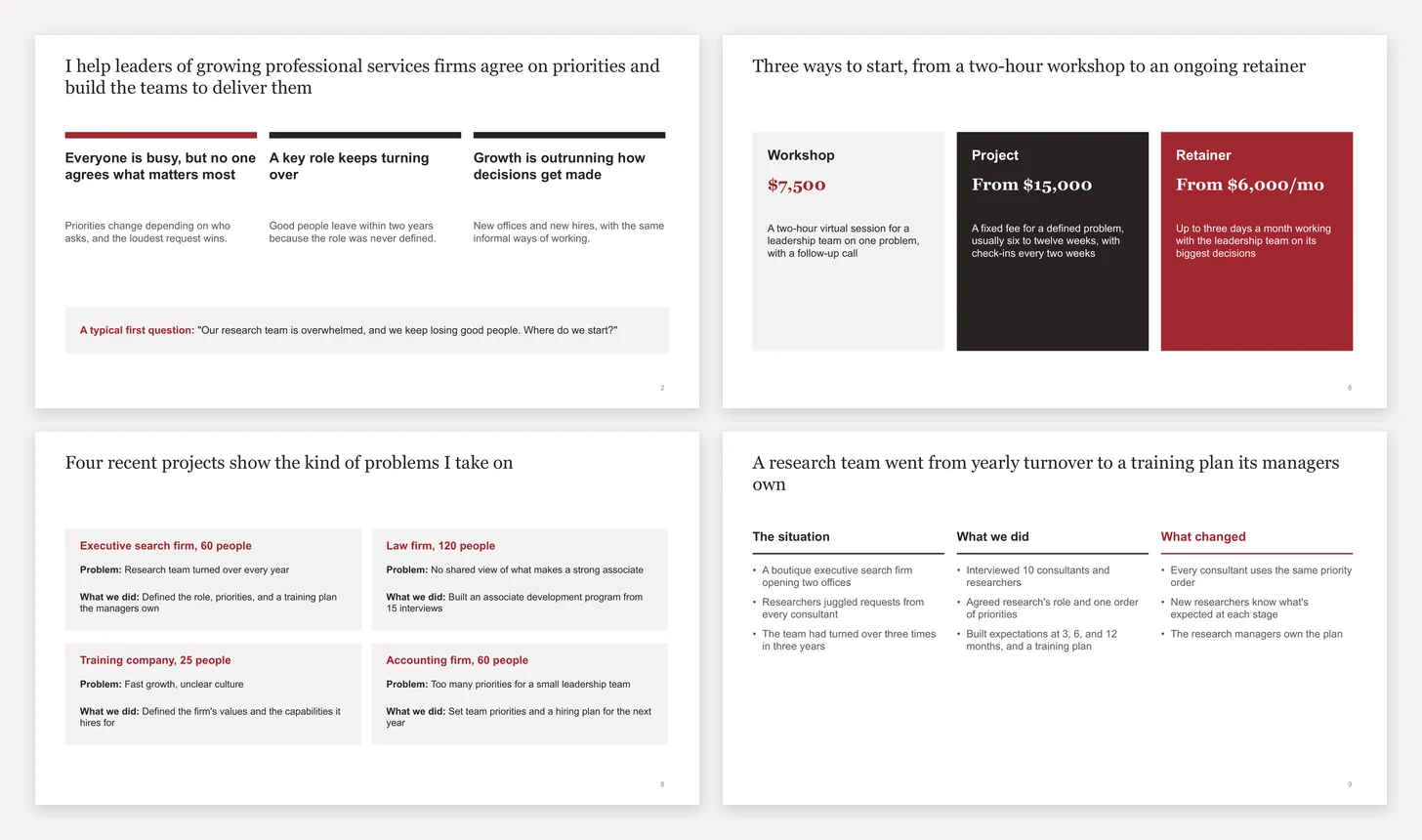
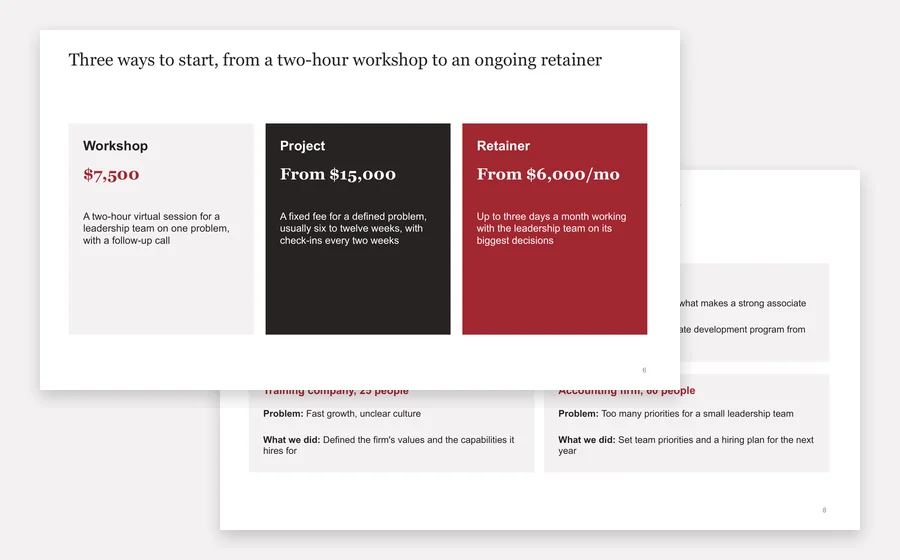
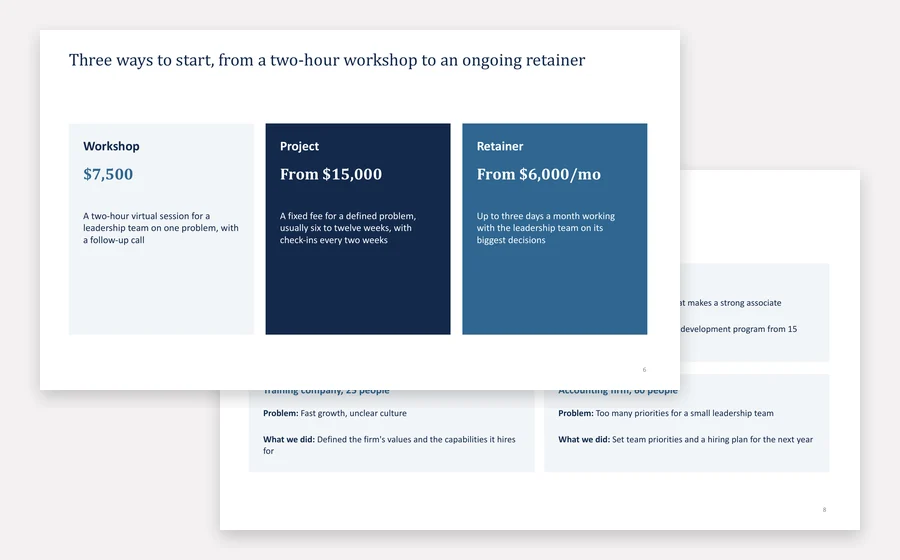
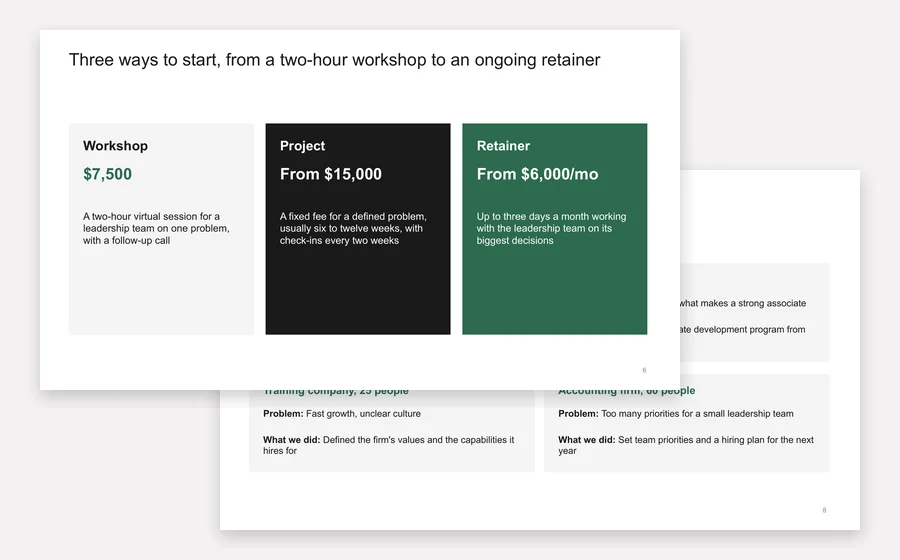
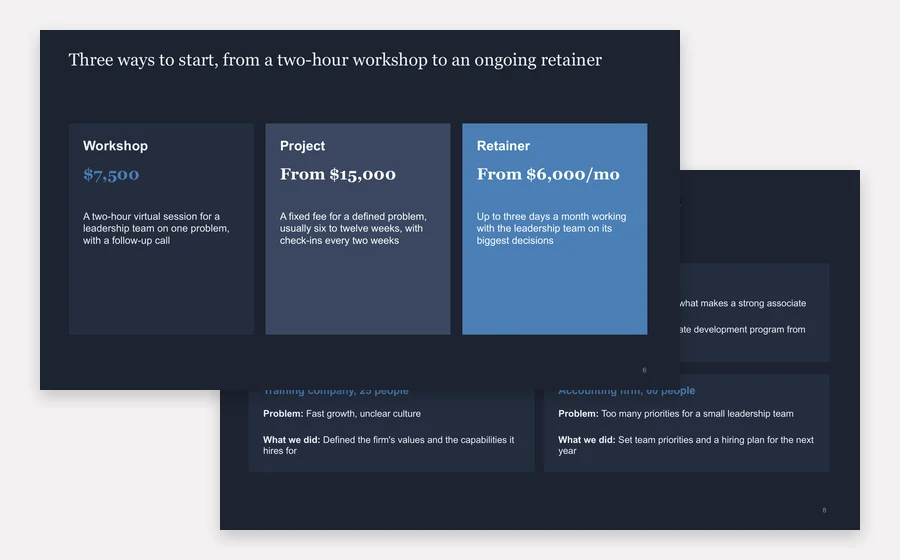
Sam Rivera is a made-up consultant who helps professional services firms set priorities and build their teams. Swap in your own work; the speaker notes explain each slide.
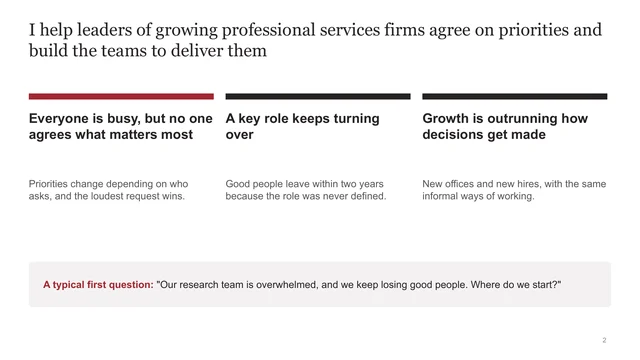
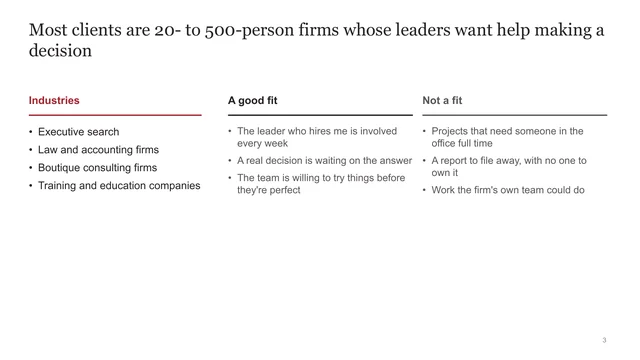
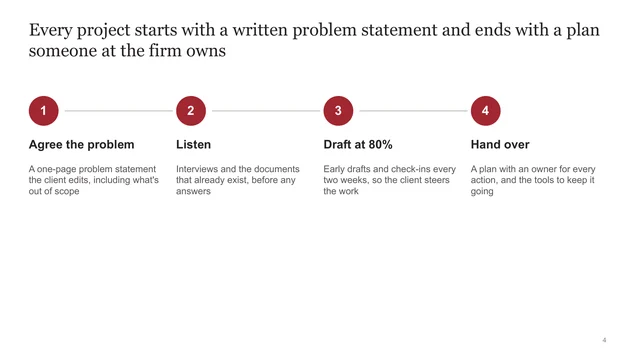
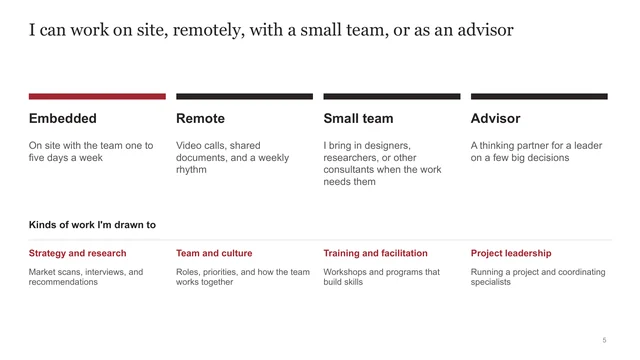
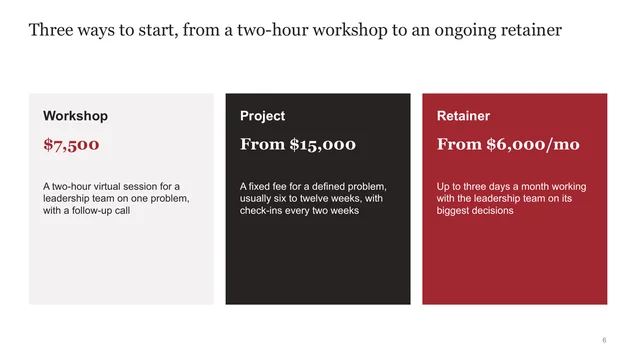
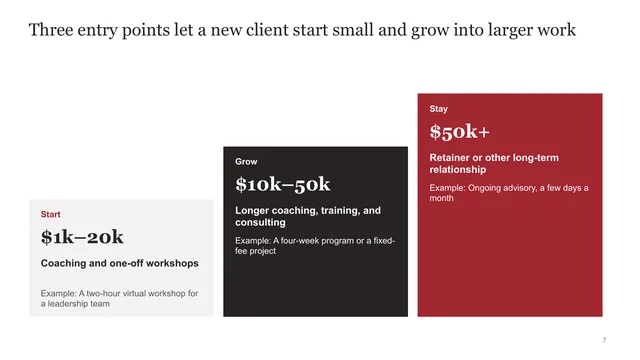
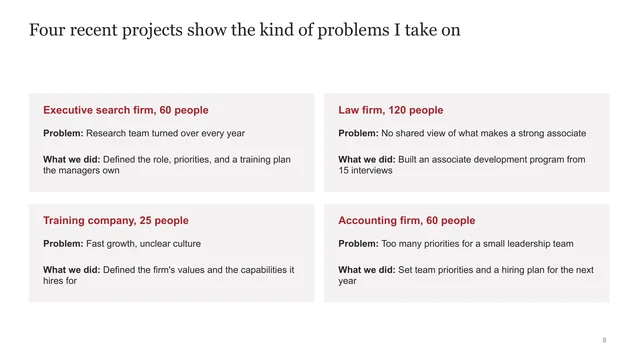
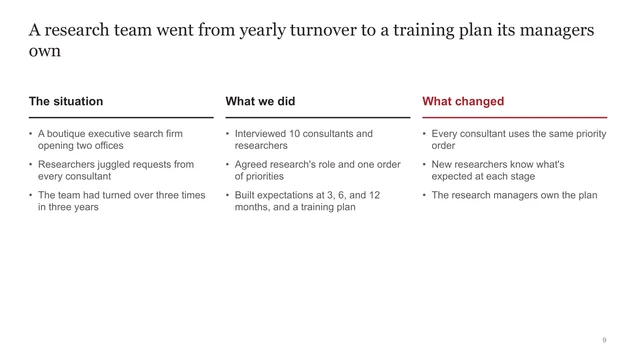
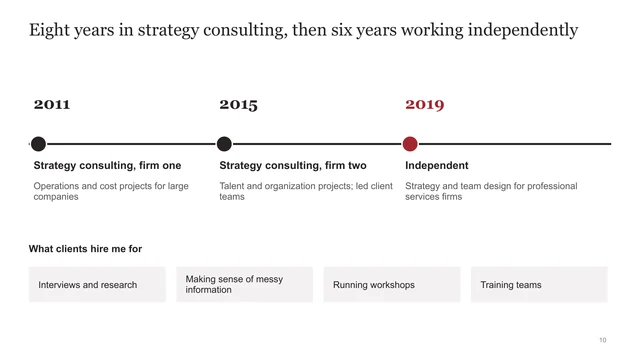
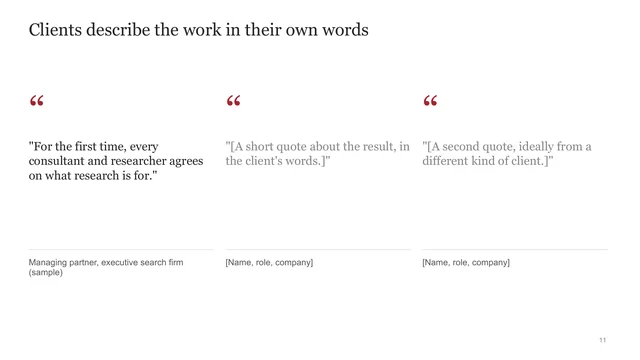
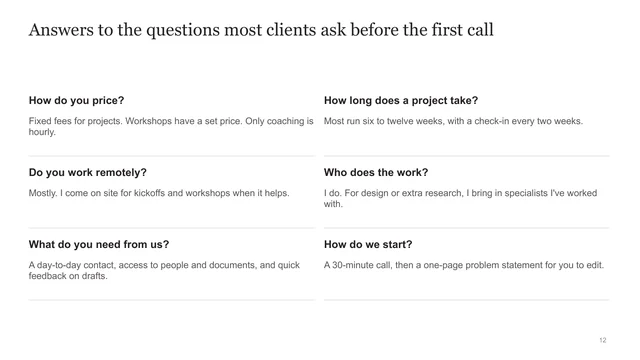
I've uploaded a credentials and offerings deck template for freelance consultants. It's filled in for a made-up consultant, Sam Rivera, and each slide's speaker notes explain what goes on it. Help me turn it into my own credentials and offerings deck, which I'll send to prospective clients before a first call.

Interview me first. Ask one question at a time and wait for my answer before the next one. Cover what each slide needs:
1. What I help clients with, in one sentence, and the problems I solve most often
2. Who I work with: the size and kind of client, and who usually hires me
3. How I work: the steps I follow on most projects
4. How clients can work with me (on site, remote, with a small team, or as an advisor) and the kinds of work I want more of
5. Ways to start, with prices: a small first offer, a core project, and an ongoing option
6. Three or four past projects: the client (or a description if I can't name them), the problem, and what I did
7. One project to tell in more depth: the situation, what I did, and what changed
8. My background
9. Two or three things clients have said about my work that I can share
10. Questions clients usually ask before hiring me, and my answers
11. What the next step is after someone reads the deck

If an answer is vague, ask for a specific example or number. Don't invent clients, results, quotes, or prices. If I don't have something yet, leave a [bracketed placeholder].

When we're done, fill in the template. Keep its layout and order, replace Sam's details with mine, and write each slide title as a full sentence that states the point. Keep either the ways-to-start slide or the offer ladder slide, whichever I prefer. If you can edit the PowerPoint file, give me the finished file. If you can't, give me the text for each slide, in order, so I can paste it in.
If your AI tool can't edit PowerPoint files, it gives you the text for each slide to paste in. If you use Claude Code or Codex, Decks, Paul's free app for making slides, can build the deck and let you review it slide by slide.
Keep a version you can send right away, then reorder the projects so the ones closest to each client come first.
Starting prices let a client check the fit before a call, and a small first offer, like a workshop, makes the first yes easier. Five lessons from freelancing.
Paul updates his own overview deck every few months with recent work, interests, and skills. Add each project when it ends, while you remember the details.
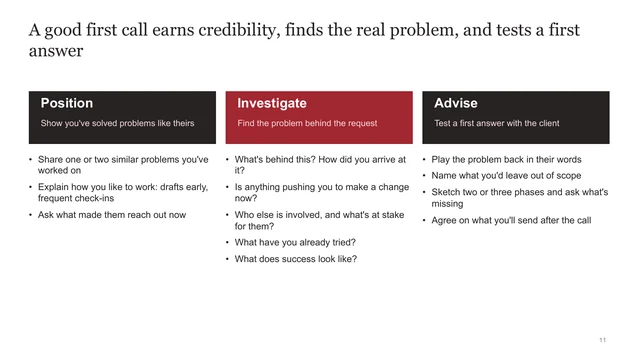
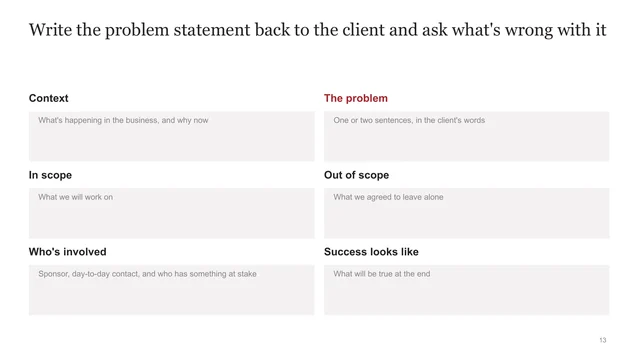
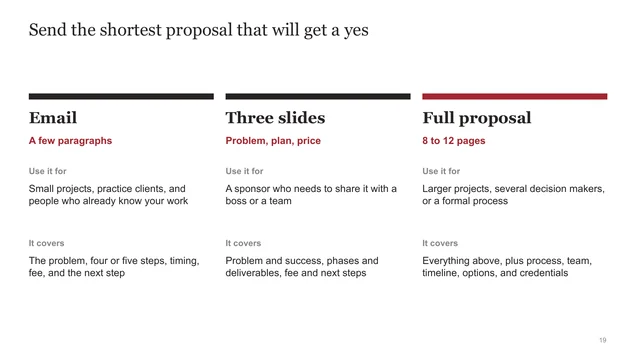
In the course, the templates follow a client project from the first call to the final deliverable. Below are eight of the 68 slides.
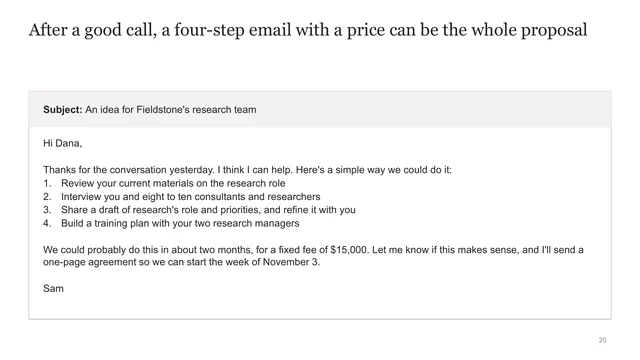
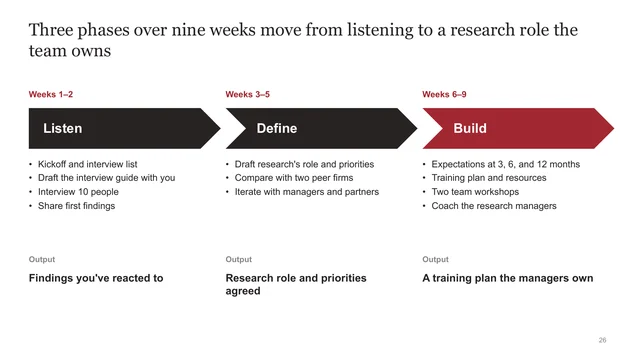
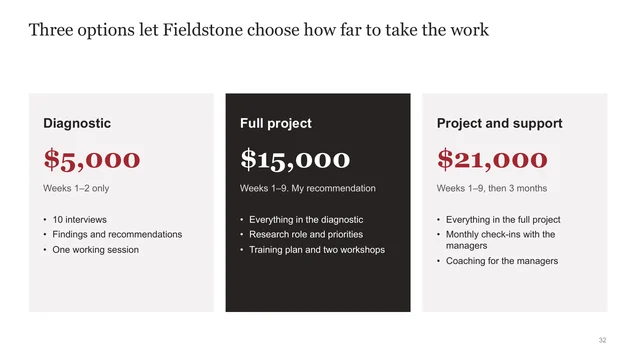
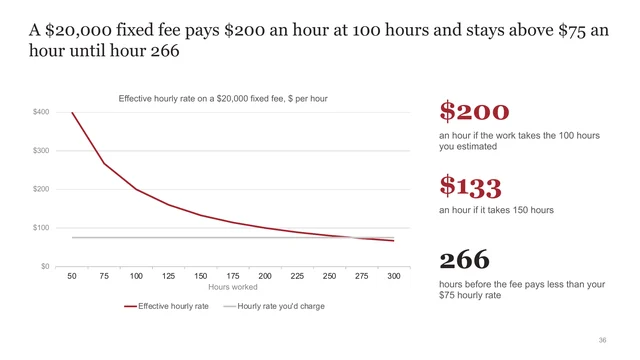
Try the pricing calculator from the course for free. It works out your floor rate and what a fixed fee pays per hour when a project runs long.
The Art of Strategic Freelancing covers pricing, proposals, scoping, and check-ins. You'll see real proposals and check-in documents from Paul's own freelance projects, and you get the full set of templates and worksheets.
See the courseYes. It's free to download and use with your clients, in any of the four styles. Enter your email once and every download on the page unlocks. Your email also adds you to the free six-day email course, then Paul's regular emails on strategy, consulting, freelancing, and our courses. You can unsubscribe anytime.
In strategy consulting, most practice groups keep a credentials deck: a few slides on the kinds of work they do, the experts on their staff, and other clients they've worked with. A freelancer needs the same thing, plus the ways clients can work with you and what it costs to start. It's something you can send quickly and change for a specific client. Some people call it a capabilities deck or a services deck.
Starting prices help. Clients can tell whether you're a fit before a call. The deck shows two ways to do it: three fixed offers, or a price range for each step of an offer ladder. Keep whichever suits you.
They're part of The Art of Strategic Freelancing. The full Freelance Consulting Templates have 68 slides for scoping, three versions of a proposal, pricing, check-ins, and final deliverables, plus contracts and client emails in Word.
The deck is a PowerPoint (.pptx) file, and Google Slides and Keynote can open it.
