
Free download
Executive summaries, issue trees, charts, frameworks, and plans, built the way strategy consultants build slides: an action title on every page and charts you can edit. Four styles, free with your email.
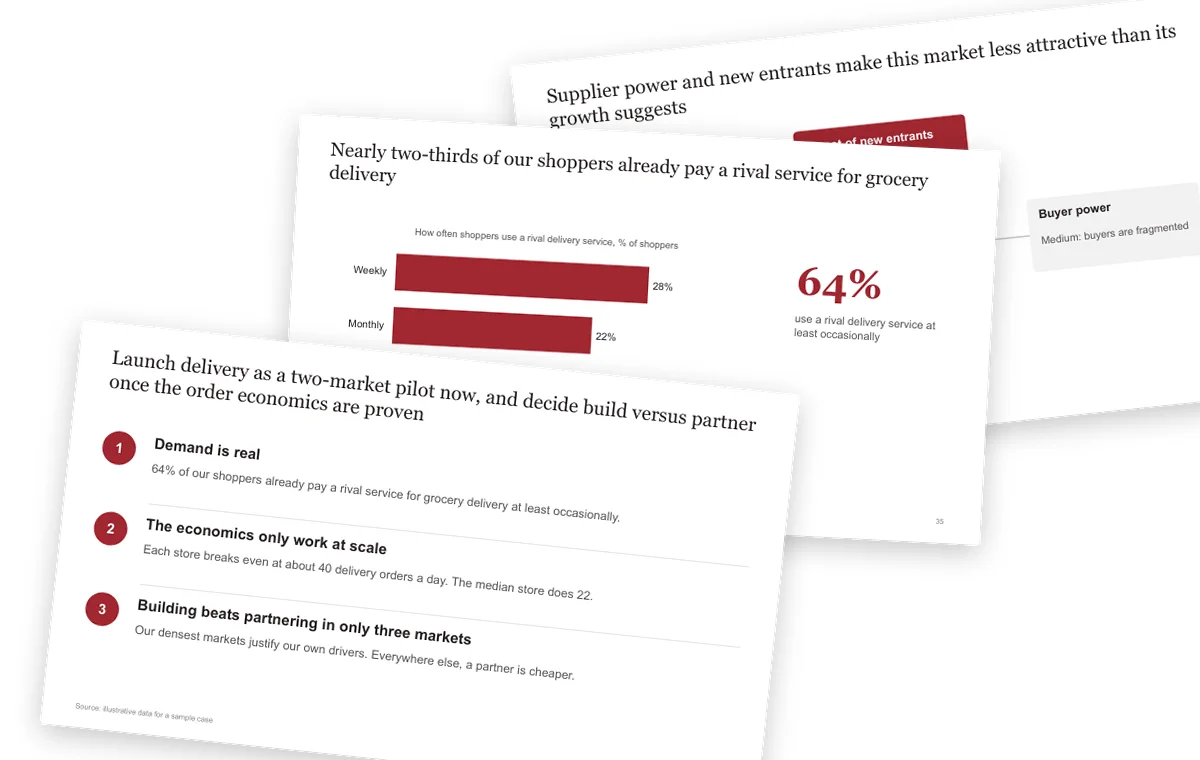
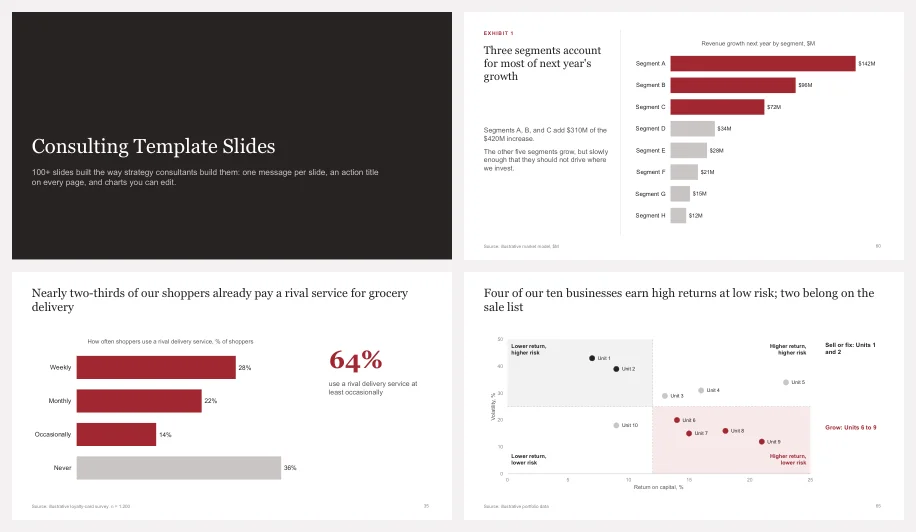
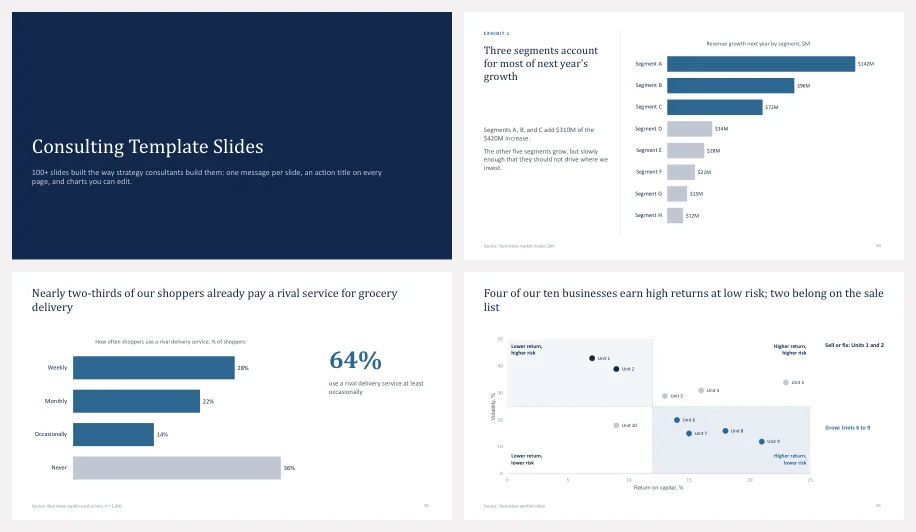
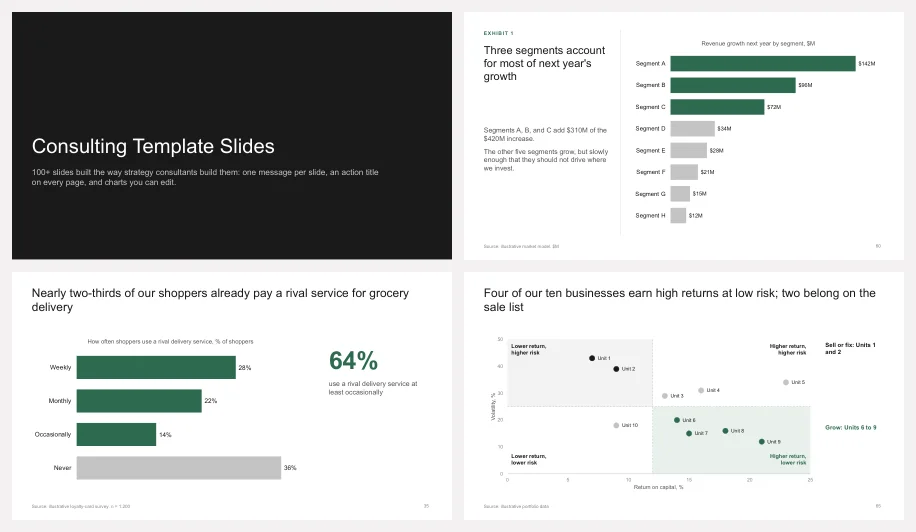
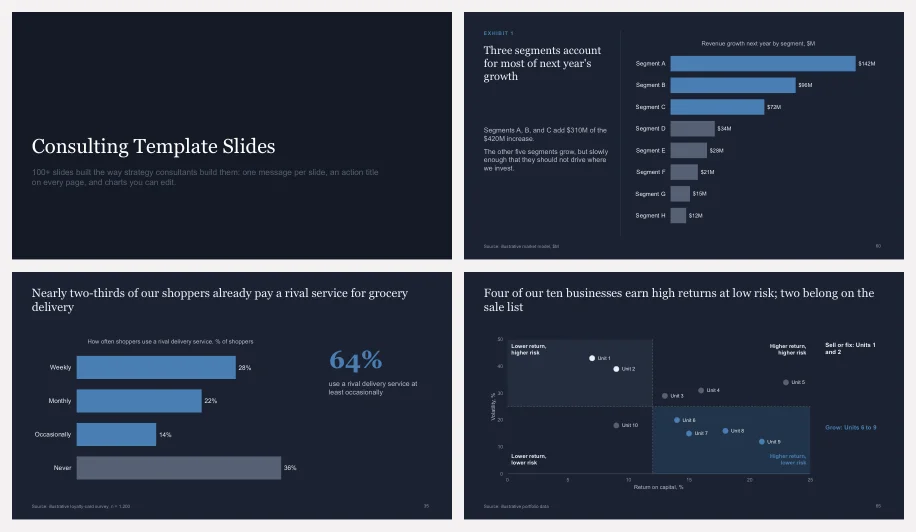
A look inside the Crimson style. The other three styles have the same 123 layouts.

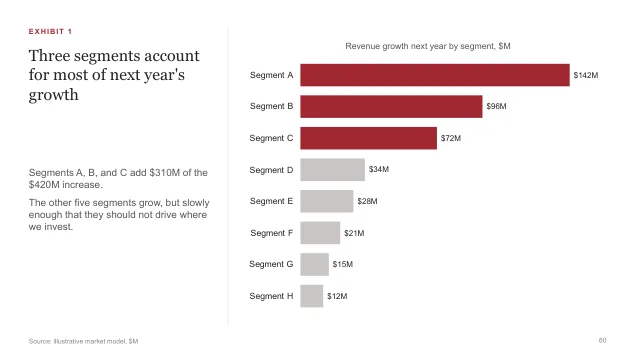
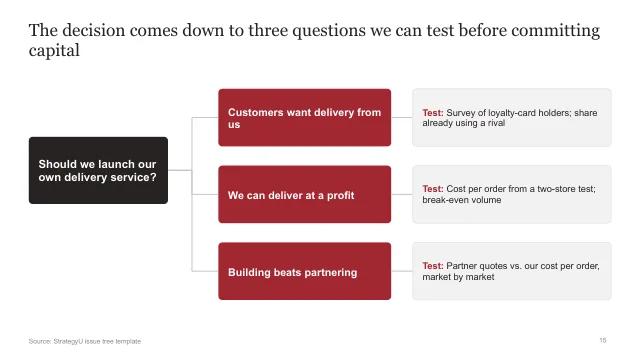
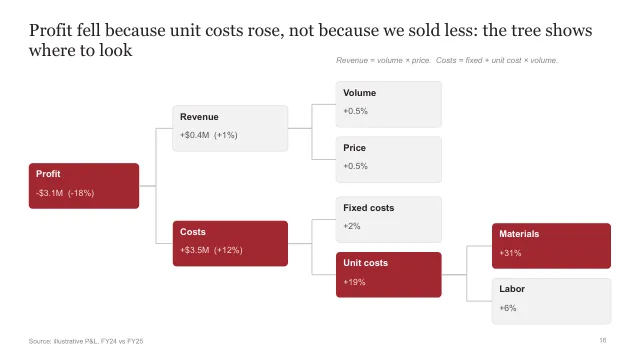

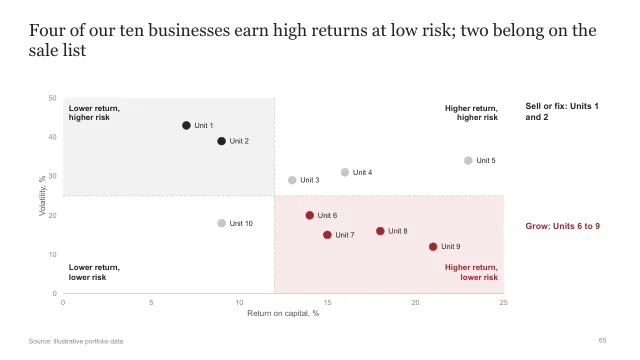
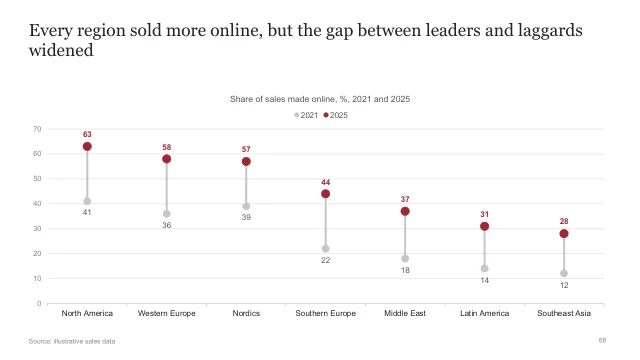
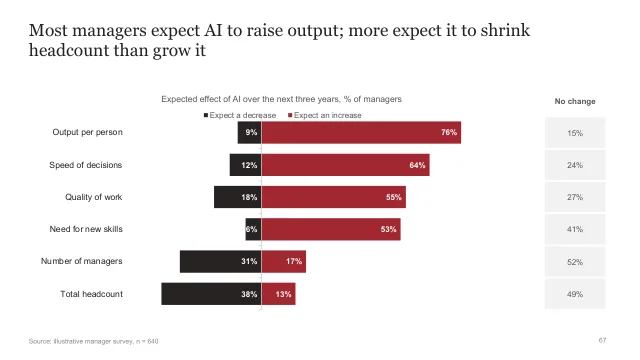
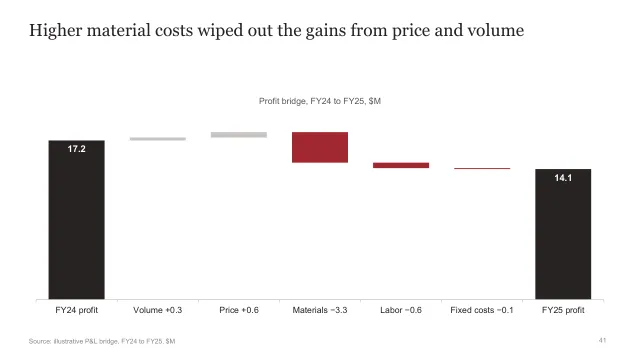
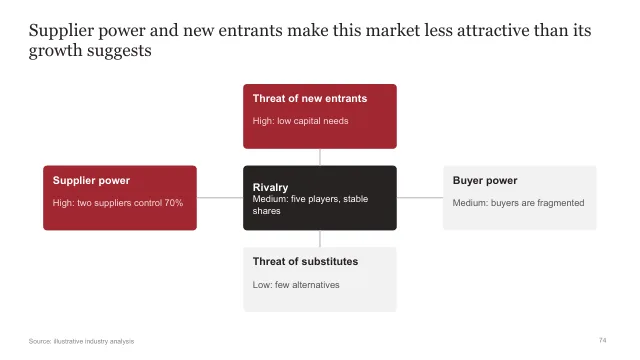
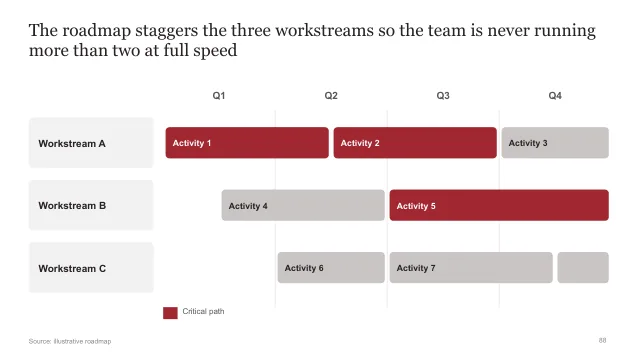
Each title is the takeaway as a full sentence. Read the titles alone and you get the argument. How to write them.
Everything below the title exists to prove it. A second point gets a second slide. Vertical and horizontal flow.
Only the bars, rows, and numbers that carry the message get color. The rest stay gray. Think before you chart.
Instructions for every layout are in the speaker notes, so the slides stay clean.
The templates show what a good slide looks like. The course teaches the thinking behind it: structured problem solving, MECE, the Pyramid Principle, and slide design. 1,400+ students in 65 countries.
See the courseYes. All four styles are free to download and use, including for client work. Enter your email once and every download on the page unlocks. Your email also adds you to the free six-day email course, then Paul's regular emails on strategy, consulting, and our courses. You can unsubscribe anytime.
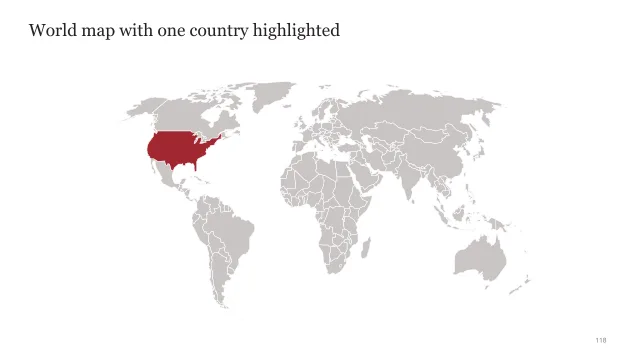
Yes. Every chart is a native PowerPoint chart: right-click it and choose Edit Data. The deck also includes editable vector icons and world maps that take the theme colors.
They are PowerPoint (.pptx) files. Google Slides and Keynote can open them, but the charts are native PowerPoint charts and are easiest to edit in PowerPoint.
Yes. Each deck uses a PowerPoint theme, so you can change the colors and fonts for the whole deck at once from the Design tab.
A slide title written as the takeaway, in a full sentence, which the rest of the slide proves. Every content slide in these templates has one.